Use the official route
Open a browser and type usps.com yourself. Do not enroll from an unexpected delivery text or email link.
Expect limits
Eligibility varies by address, and not every mailpiece is imaged. The preview normally shows the exterior address side, not the contents.
Compare, do not panic
A mail image may appear before the physical item. Put it in an “expected soon” category before deciding that something is missing.
Keep notes minimal
Record only a broad description and follow-up date. Do not copy account numbers, addresses, passwords, or identity answers.
What does USPS Informed Delivery actually do?
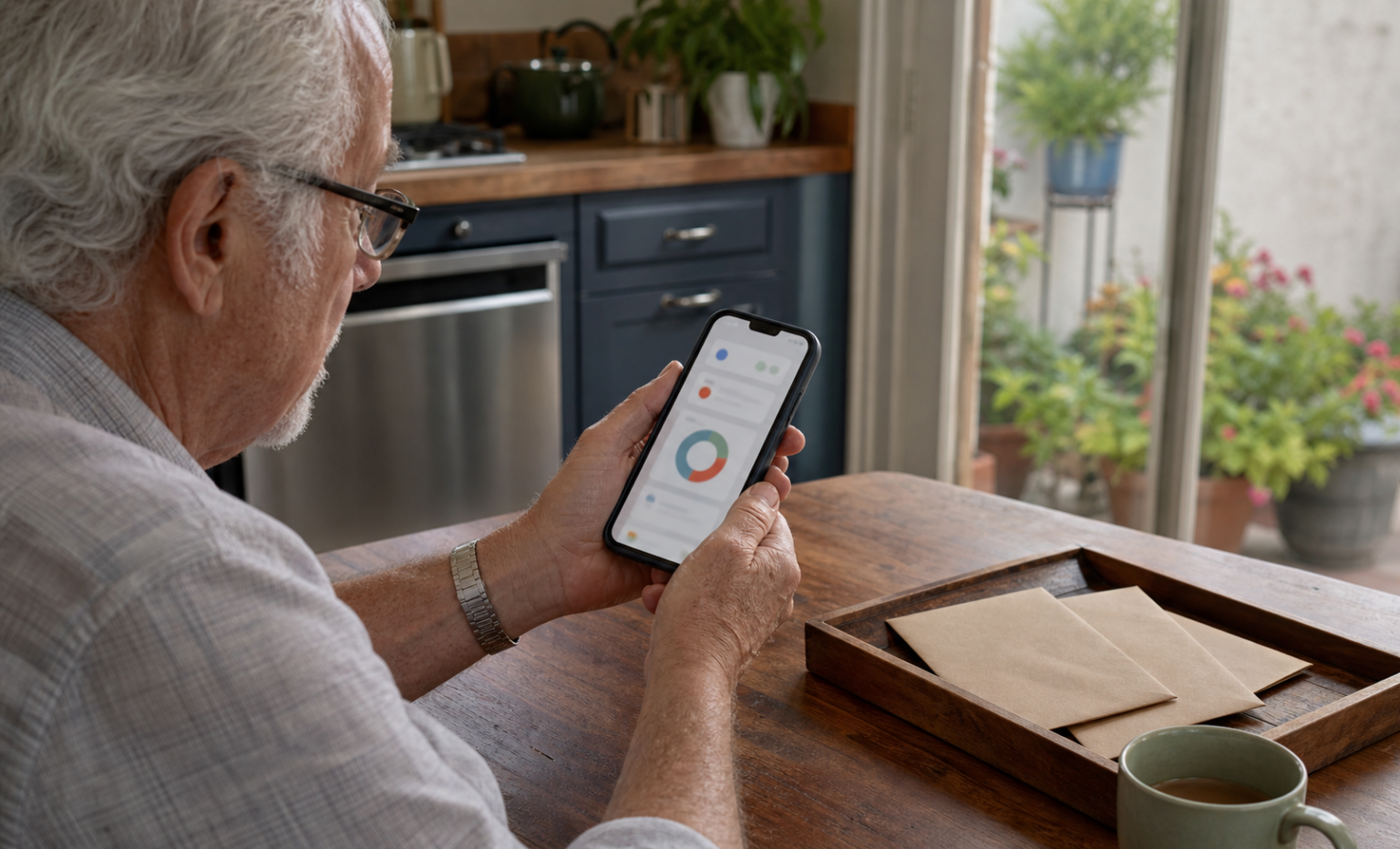
USPS describes Informed Delivery as a free service for eligible addresses. It can provide grayscale images of the exterior, address side of incoming letter-size mail that passes through automated equipment. It can also place USPS package information in one dashboard. A person may review updates by email, on the USPS website, or through the official mobile app.
The important word is preview. It is not a camera inside the envelope, a complete list of everything arriving, or a guarantee that a pictured item will be in the mailbox on the same day. Large envelopes, magazines, catalogs, handwritten pieces, or other items may not produce the same image. USPS specifically advises allowing several days for physical delivery when an image appears first.
For an older adult in Los Angeles County, the practical benefit is awareness. A daily digest can make it easier to notice that a familiar bill, appointment letter, replacement card, or family note may be on its way. It does not replace checking the physical mailbox, keeping the mailbox secure, or contacting the sender when a truly time-sensitive item does not arrive.
What should you prepare before starting?
Choose a calm time when the physical mailbox and the older adult are both available. Enrollment may require address eligibility and identity verification. The older adult should remain present and make the decisions; a helper should not create a hidden account, choose a password alone, or retain identity answers.
Device
Use the person’s own phone, tablet, or computer when practical. Install pending system and browser updates first. Our smartphone software update checklist explains a bounded way to do that.
Use an email address the older adult can open independently. Confirm that recovery information is current without reading private messages aloud or writing the password in the Article checklist.
Address
Have the address in the exact format used for mail, including the apartment or unit. Eligibility depends on how the delivery point is coded, so some shared-building addresses may not qualify.
Account protection
Plan a unique password and enable multifactor authentication when the USPS account offers it. Store recovery information in the household’s normal secure method, not in an exposed mail tray.
How can an older adult complete USPS Informed Delivery setup?
- Open the official page manually. Type usps.com in the browser, then choose “Informed Delivery.” Confirm the address bar ends in usps.com before entering information.
- Check address eligibility. Enter the household address exactly as requested. If USPS says the delivery point is not eligible, stop. Do not try a neighbor’s unit, omit an apartment number, or create a second version of the address.
- Create or sign in to the USPS account. Use the older adult’s email and a unique password. Read each consent and account-recovery choice before continuing.
- Complete identity verification. Answer only inside the official USPS flow. Do not send verification answers, codes, or screenshots to a helper by text. USPS says that a person who cannot verify online may be able to visit a USPS location that offers Identity Verification Services; confirm the current location and requirements through USPS before traveling.
- Review the first settings screen. Choose email, dashboard, or app access based on what the older adult already uses comfortably. More notifications are not always better.
- Protect the sign-in. Enable multifactor authentication where offered. Sign out on a shared or public computer and never let a browser save the password on a device used by many people.
- Test understanding, not just access. Ask the older adult to reopen the official page, locate the dashboard, and explain what a mail preview does not prove. That final teach-back is more useful than a screenshot saying setup finished.
USPS says activation time varies and notifications typically begin within about three business days. A quiet first day does not necessarily mean setup failed; notifications appear only when the system has eligible mail or package information to show.
Which notifications are useful without becoming overwhelming?
Start with one channel. A daily email digest is often easier to review than several texts, emails, and app alerts about the same package. The online dashboard remains available when the person wants to look without receiving another notification.
USPS also offers an optional Mail Delivery Notification email for some users. The USPS Mail Delivery Notification FAQ explains that the notice is separate from the Daily Digest and does not guarantee that each pictured piece arrived that day. Eligibility is not universal, including for some address types. Turn this feature on only if a second end-of-day email would clarify the routine rather than create confusion.
- Daily Digest email: on, if email is checked regularly.
- Package alerts: only for packages the household expects and wants to track.
- Mail Delivery Notification: optional; add it after one week if the digest routine feels clear.
- Marketing messages: review separately and decline anything the older adult does not want.
- App notifications: off at first unless the app is already the preferred way to review mail.
What is a simple two-minute daily mail-preview routine?
- Open from a known place. Use the saved official USPS bookmark or type the address. An email digest can be read, but unexpected links should not be the route to account changes.
- Scan without enlarging private details. Note only broad categories such as “utility envelope,” “medical office letter,” or “family card.” Do not forward the digest to a group chat.
- Compare after physical delivery. Place incoming paper mail in the household’s usual tray. The paper-mail sorting station guide offers a separate keep, act, shred, and ask-later routine.
- Mark only exceptions. A short note can say “expected soon—check Friday.” Do not copy an account number, tracking code, full address, or mail image.
- Close the account view. Sign out on shared devices. Clear any handwritten temporary verification code once it is no longer needed.
When should you wait, check again, or follow up?
Preview appears first
Do: Place it in “expected soon” and allow several days, as USPS advises.
Avoid: Calling the sender immediately or assuming theft from one preview.
Physical item has no preview
Do: Handle the item normally. Not every mailpiece is imaged.
Avoid: Treating the dashboard as a complete mail inventory.
No digest on a quiet day
Do: Wait. Check email preferences and spam only if the pattern continues.
Avoid: Creating a duplicate USPS account.
Important item stays absent
Do: Contact the sender through a known number and consult USPS Missing Mail guidance for current timing and options.
Avoid: Entering personal details into an unsolicited message link.
How can you separate real account activity from delivery scams?
A preview service can make delivery-themed messages feel believable. That is why the safest response is route-based: do not judge a message only by its logo, tone, or knowledge that a package is expected. Open USPS through a saved bookmark or a manually typed address and look for the same status inside the account.
The U.S. Postal Inspection Service warns about smishing: unexpected texts with unfamiliar links may be attempts to steal personal or financial information. If the household did not request tracking for that specific package, do not click the link. Visit USPS.com independently. A request for an urgent fee, password, payment card, or identity detail is a reason to stop.
If a suspicious message arrives by voicemail, use the safe callback routine: write a minimal note, find the organization’s number independently, and call that known route. The broader Los Angeles family verification guide can help a household agree on a pause phrase before anyone sends money or sensitive information.
How can a family helper assist without taking over?
Sit beside the older adult and narrate one step at a time. Ask permission before viewing an address or email. Let the account owner type passwords and verification answers. If screen size or dexterity is a barrier, use the device’s built-in zoom or voice features rather than photographing the screen. A separate technology help session checklist can keep the visit bounded.
All Seniors Foundation can share educational routines and help older adults organize questions, but it does not operate USPS accounts, verify eligibility, locate mail, or guarantee delivery. For account, enrollment, or missing-mail decisions, use the current USPS support route.
Ask All Seniors Foundation for general senior-support guidance
This educational guide does not replace current USPS instructions. Features, eligibility, verification routes, and notification availability can change; confirm them on the official USPS website.
Frequently asked questions
Is USPS Informed Delivery free?
Yes. USPS describes Informed Delivery as a free service for eligible addresses. Enrollment still requires an eligible delivery point, a USPS account, and identity verification.
Does Informed Delivery show the inside of my mail?
No. The standard preview is an image of the exterior, address side of eligible letter-size mail processed through USPS automated equipment. It does not show the contents inside the envelope.
Will every mailpiece appear in the Daily Digest?
No. Not every item is imaged, and eligibility varies by address and mail type. The dashboard should be treated as a useful preview, not a complete inventory of physical mail.
Does a mail preview mean the item was delivered that day?
No. USPS advises that mail and packages may not arrive on the same day as a notification and that customers should allow several days for delivery.
What if online identity verification does not work?
Stop rather than guessing or using another address. USPS says some customers may verify at a USPS location that offers Identity Verification Services. Confirm the current location and requirements with USPS before traveling.
How can I check a suspicious USPS delivery message?
Do not use the message link. Open USPS.com independently and check the account or tracking number there. The Postal Inspection Service advises treating unexpected delivery texts with unfamiliar links as possible smishing.